Bookings, calendar, expenses and statistics for every property you manage — real numbers, not scattered spreadsheets. Built by a hospitality agency that manages properties every day, for people who do the same.
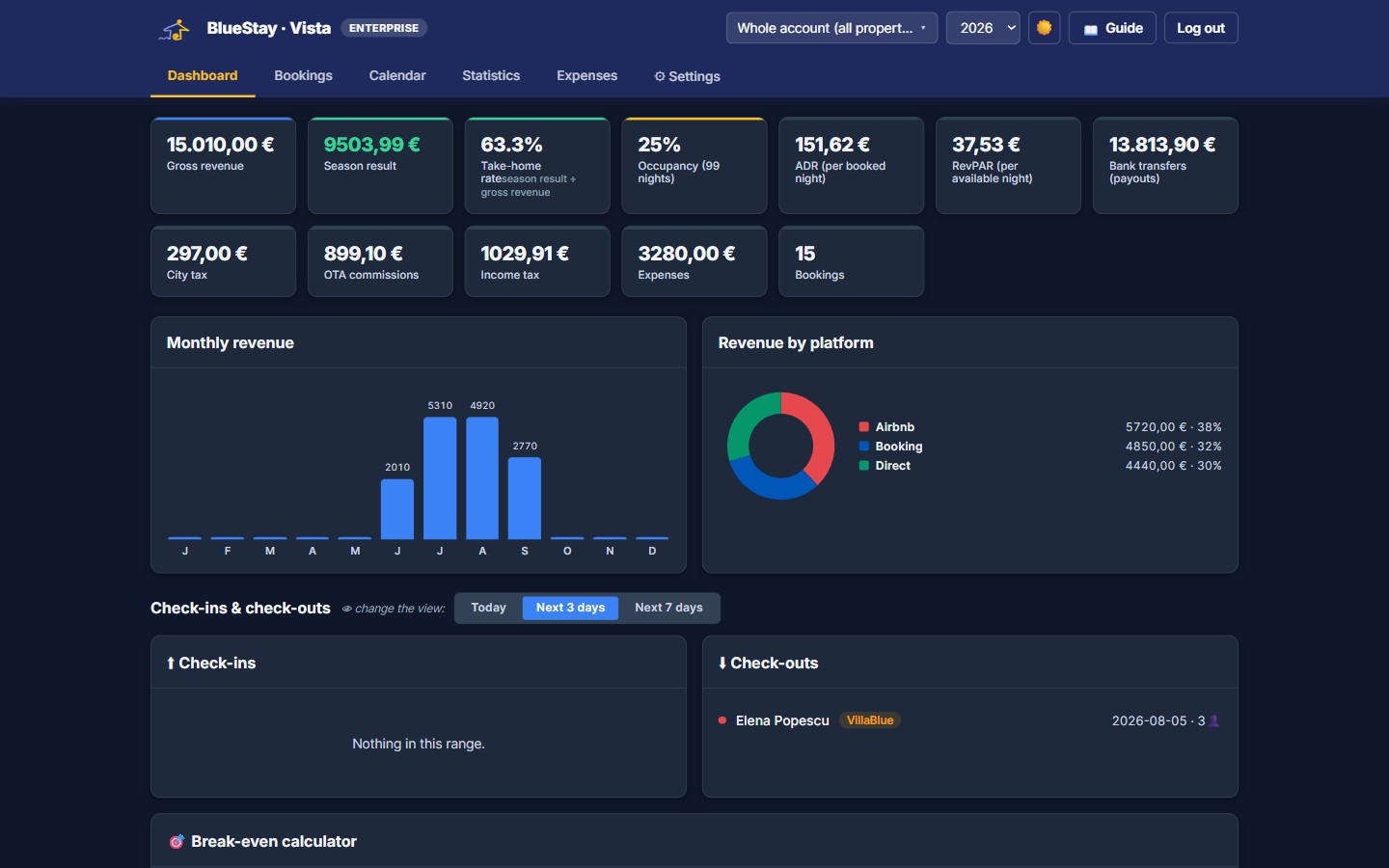
If you manage more than one property — or even just one, seriously — you know the pain: bookings scattered across Airbnb, Booking.com and direct emails, expenses in a notebook, tourist tax worked out on the back of an envelope, and no real idea of what you actually earned this month once the taxes and the cleaner are paid.
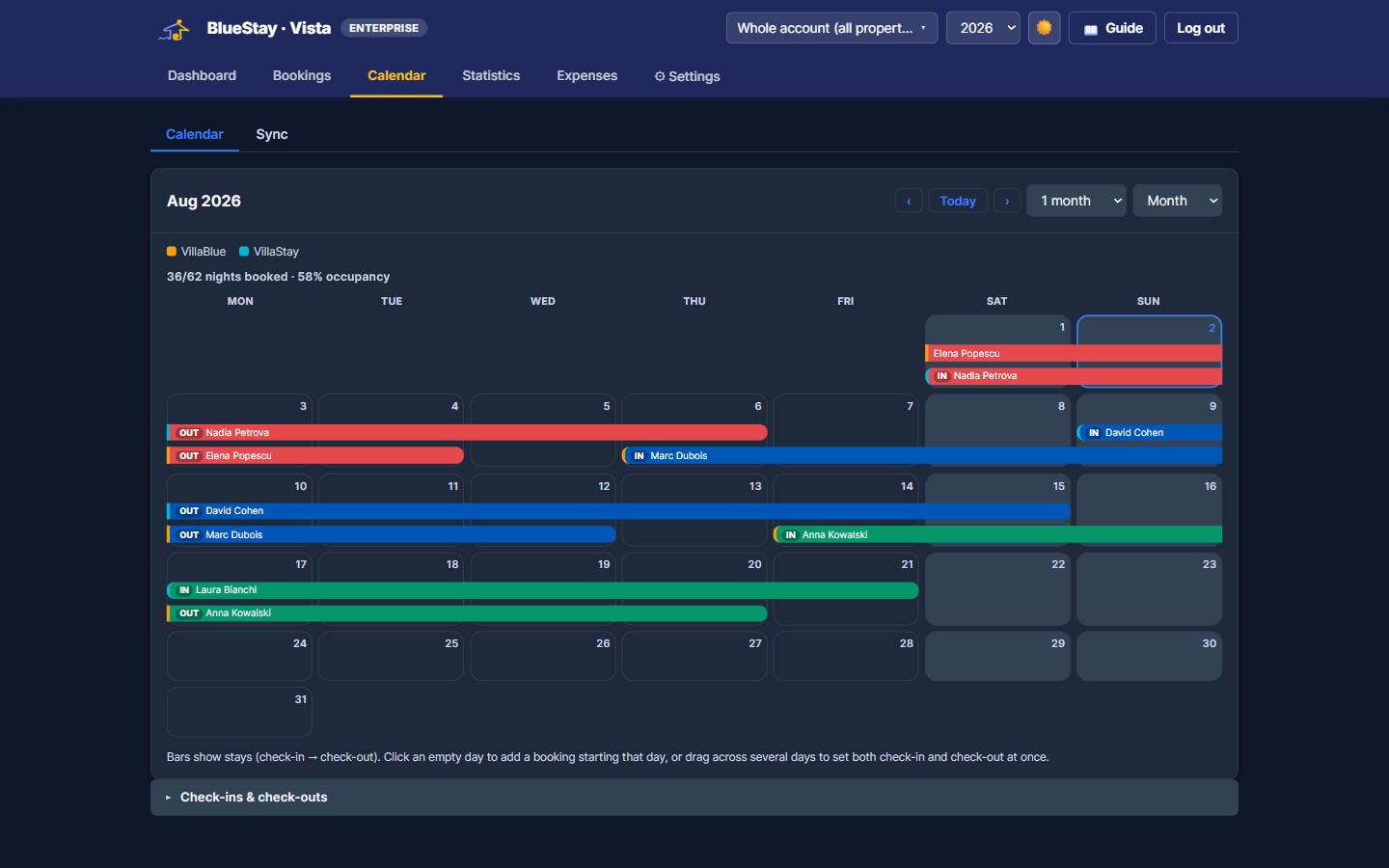
Sync your properties with Airbnb, Booking.com and any other channel via iCal — see every booking, every property, in one calendar, with month/week/day/agenda views. No more tab-switching between five different dashboards.
Good to know: Vista is not a channel manager — it doesn't push prices or availability back to your OTAs. It reads your bookings via iCal so you have one clear overview and one place to track revenue and expenses, alongside whatever channel manager or OTA extranets you already use.
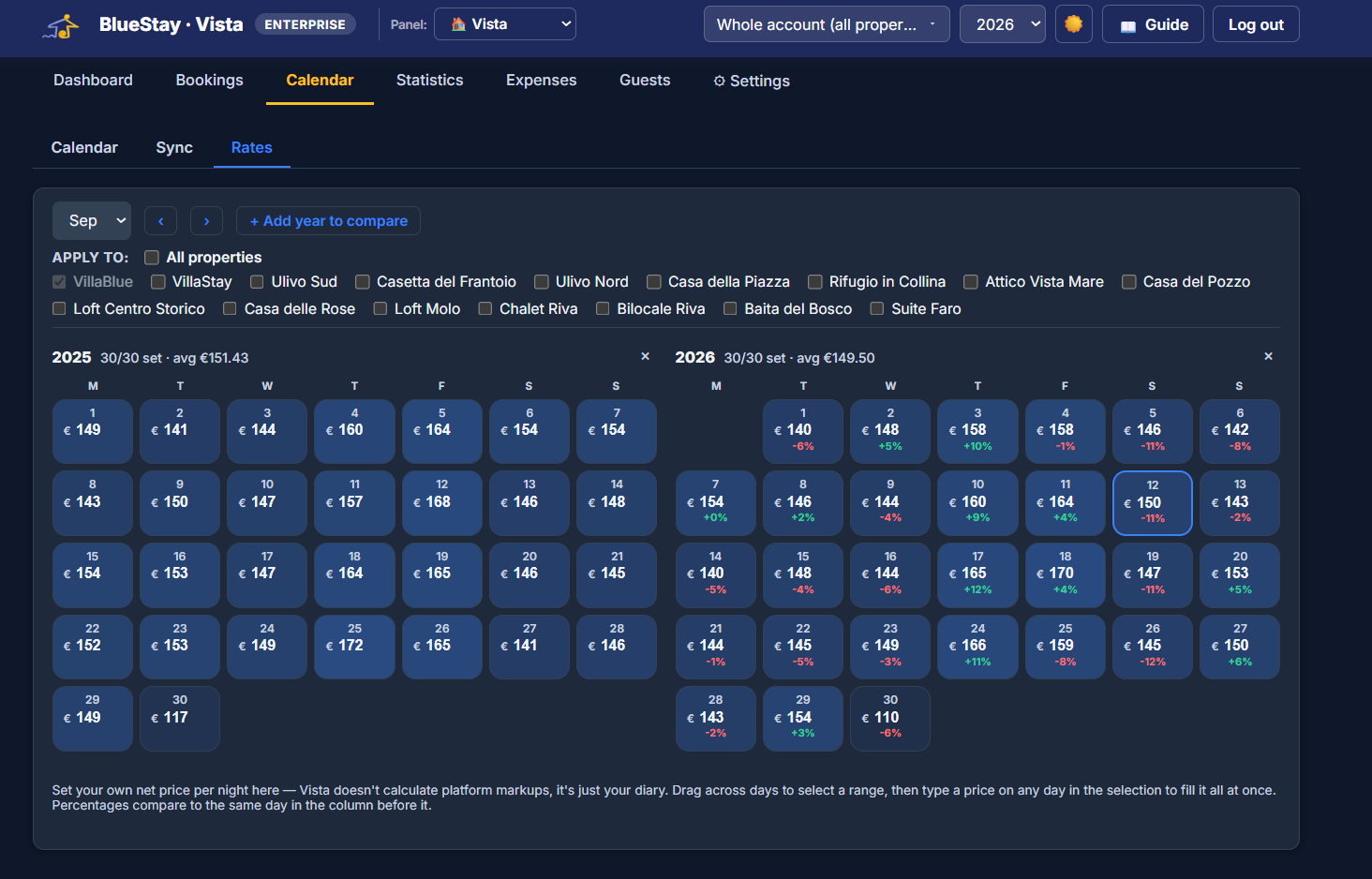
A day-by-day rates calendar, side by side across multiple years — set your net rate once, apply it to a whole range with drag-to-fill, or copy it across several properties at once. Available on every Vista plan, including Base.
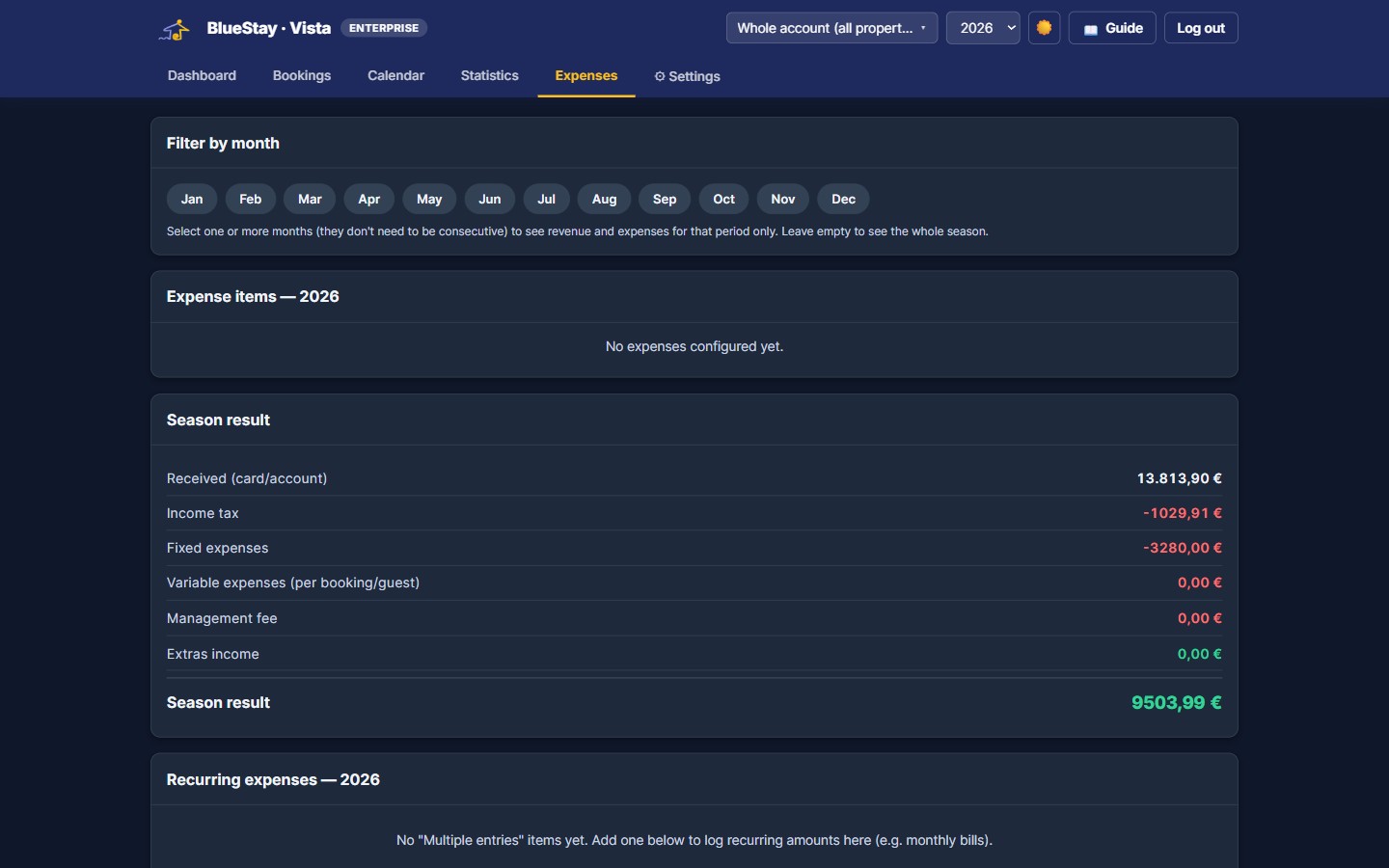
Track expenses per property, per whole structure, or shared across your entire account — rent, utilities, cleaning, maintenance, split automatically. Vista works out real net revenue after channel fees, taxes and running costs, not just the gross number your OTA shows you.
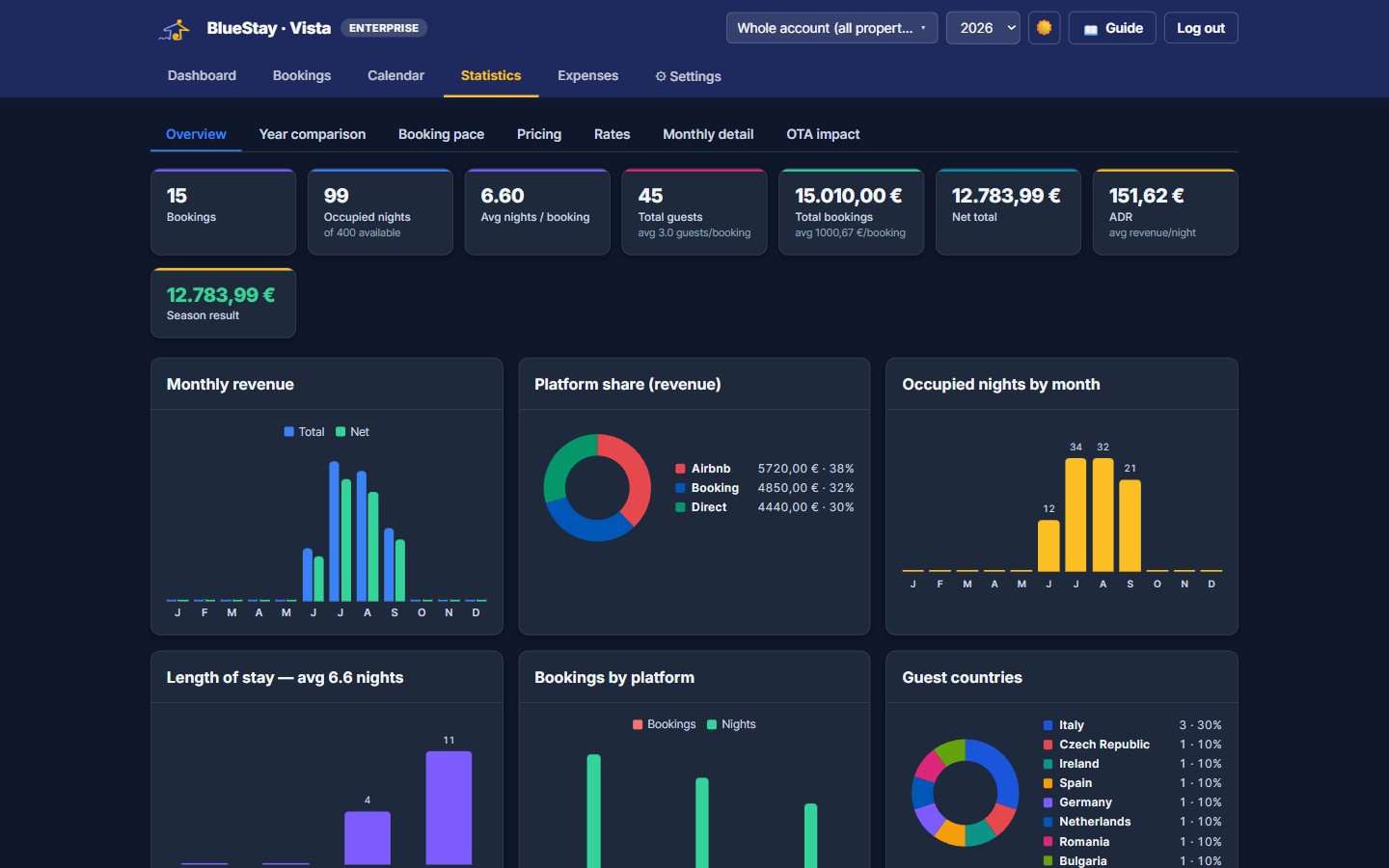
Occupancy, RevPAR, revenue by property or by month, booking pace, a break-even calculator and a full monthly breakdown — see what's working and what isn't, across your whole portfolio or drilled down to a single unit.
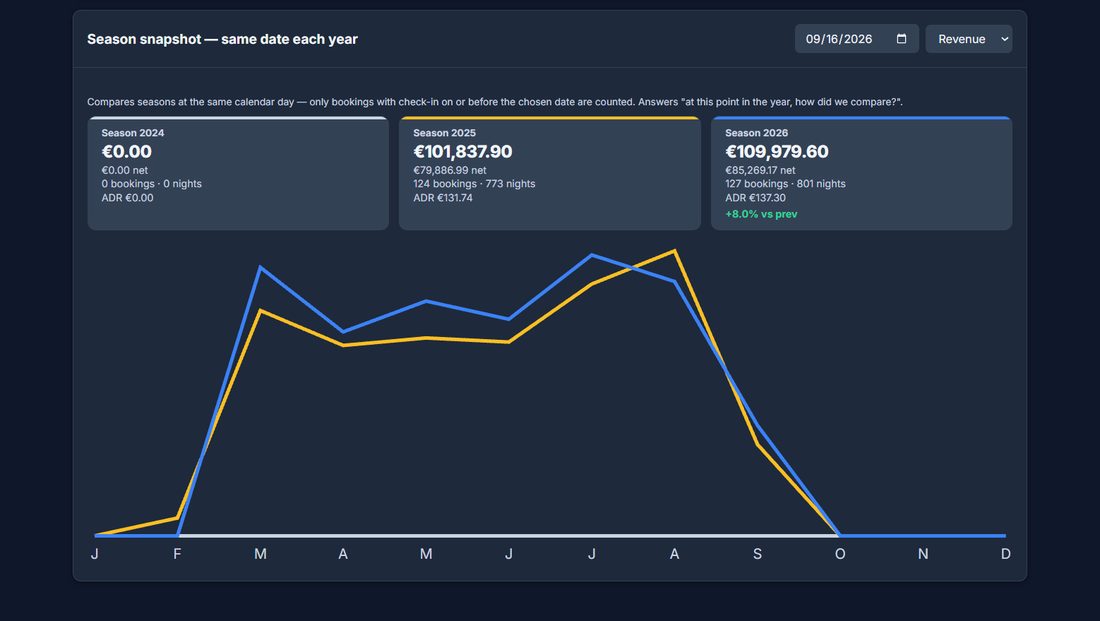
The question every owner asks in mid-season, and the one a plain year-on-year chart answers badly. Vista compares your seasons at the same calendar day — counting only the bookings that were on the books by that date — so a year still running is measured against where the others stood, not against their finished totals.
Why it matters: “we are down on last year” is an expensive thing to believe when it is not true. Compared at the right date, a season that looked weak often turns out to be ahead.
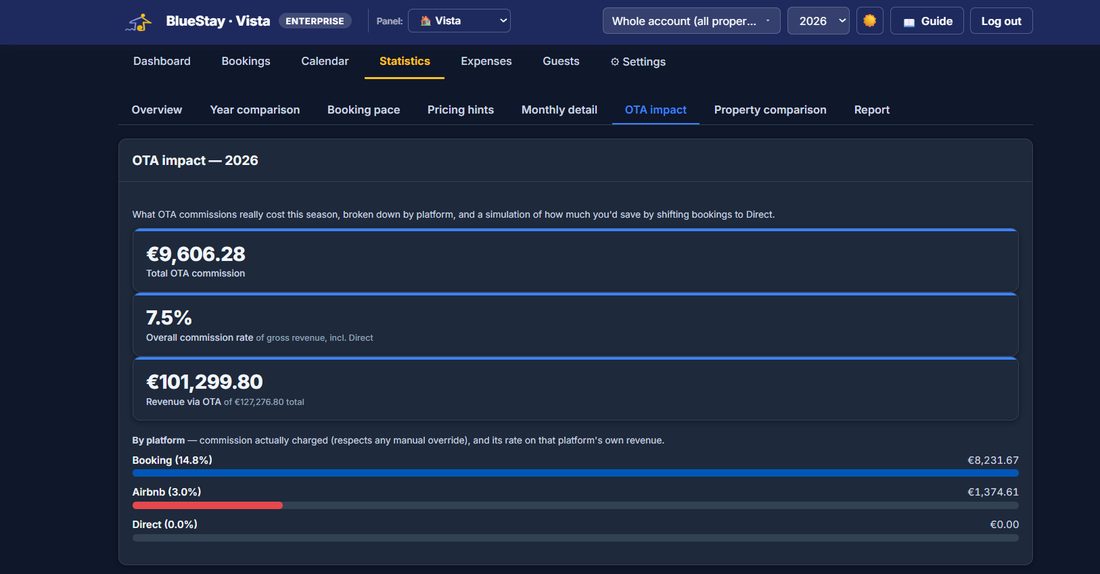
Total commission paid this season, your effective rate across everything you sell, and the same figure per platform — measured on real money, not on the percentage in the contract. Then the simulation: what you would have kept had those bookings come direct.
Give your accountant a dedicated read-only login and page — they see exactly the data you decide to show them, and nothing else. Guest email, phone and private notes are never available at all, not even as an option: the accountant page cannot read them. Of the twenty columns you can turn on, six are on to begin with; the rest — including guest name, ID document and country — are yours to add or leave off.
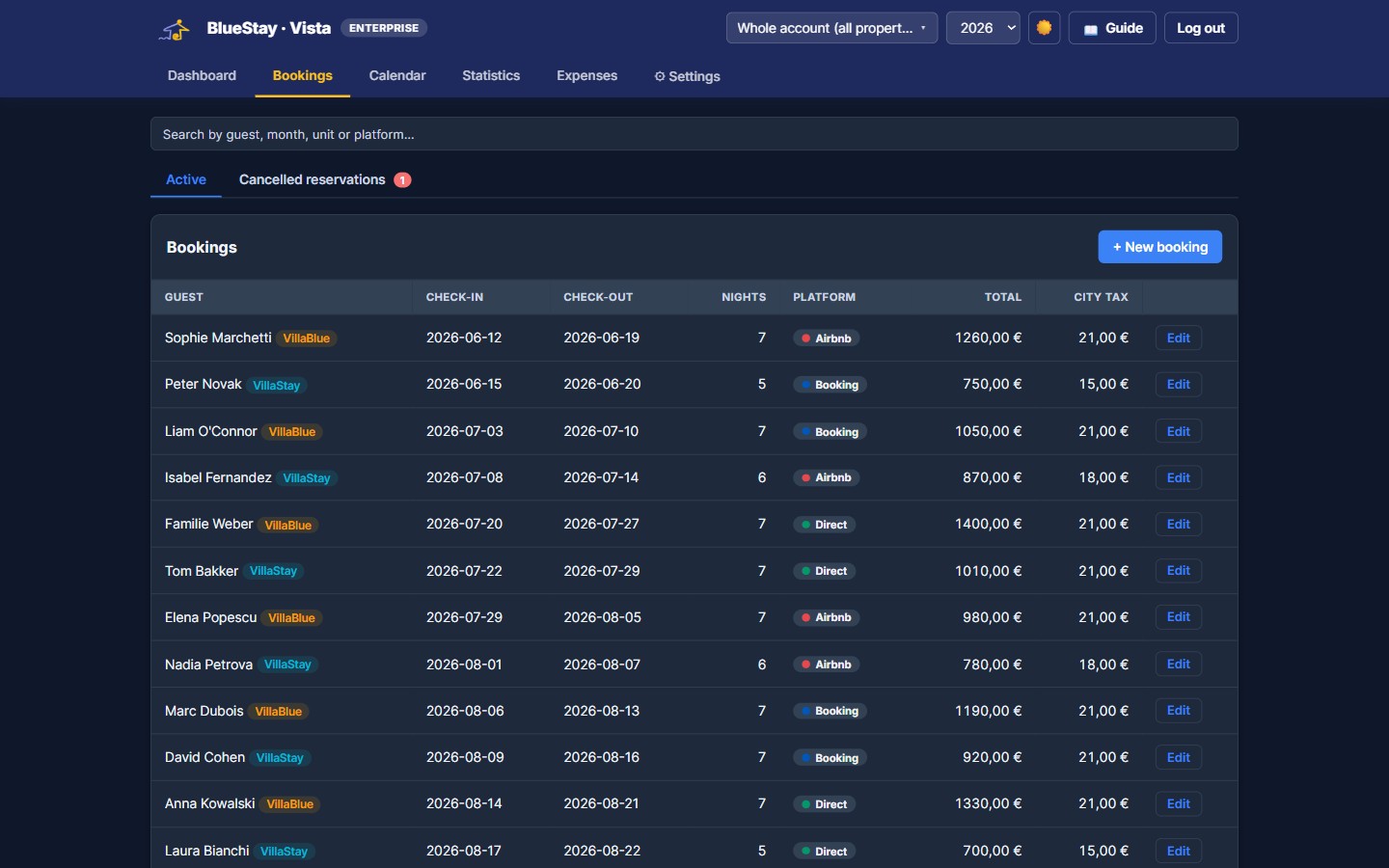
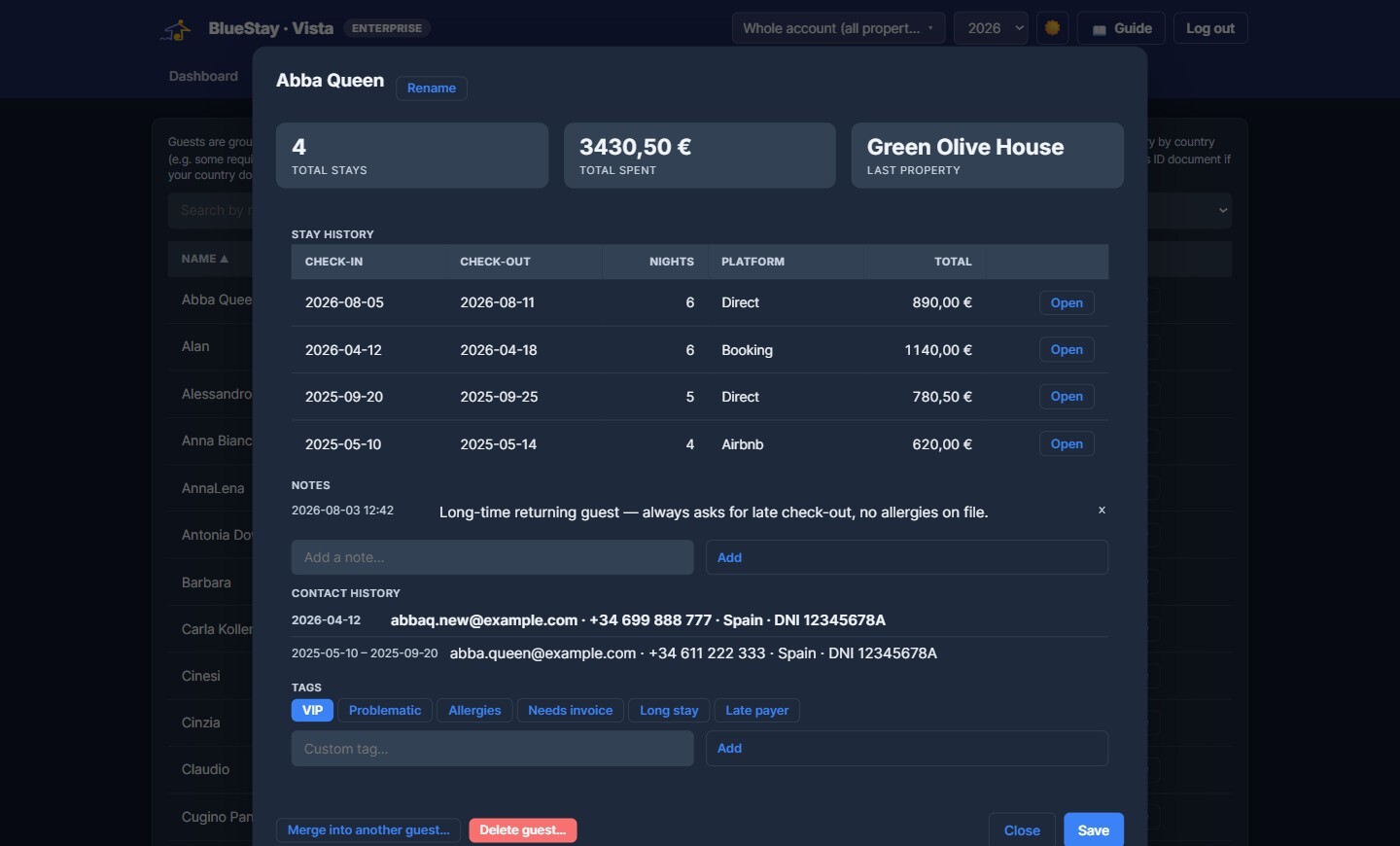
Vista groups every stay by guest automatically — no extra data entry, even catching near-matches (a typo, a swapped name order) and asking you to confirm. See who's come back, add tags and notes to remember preferences or issues, and spot how many of your guests are repeat visitors across your whole portfolio.
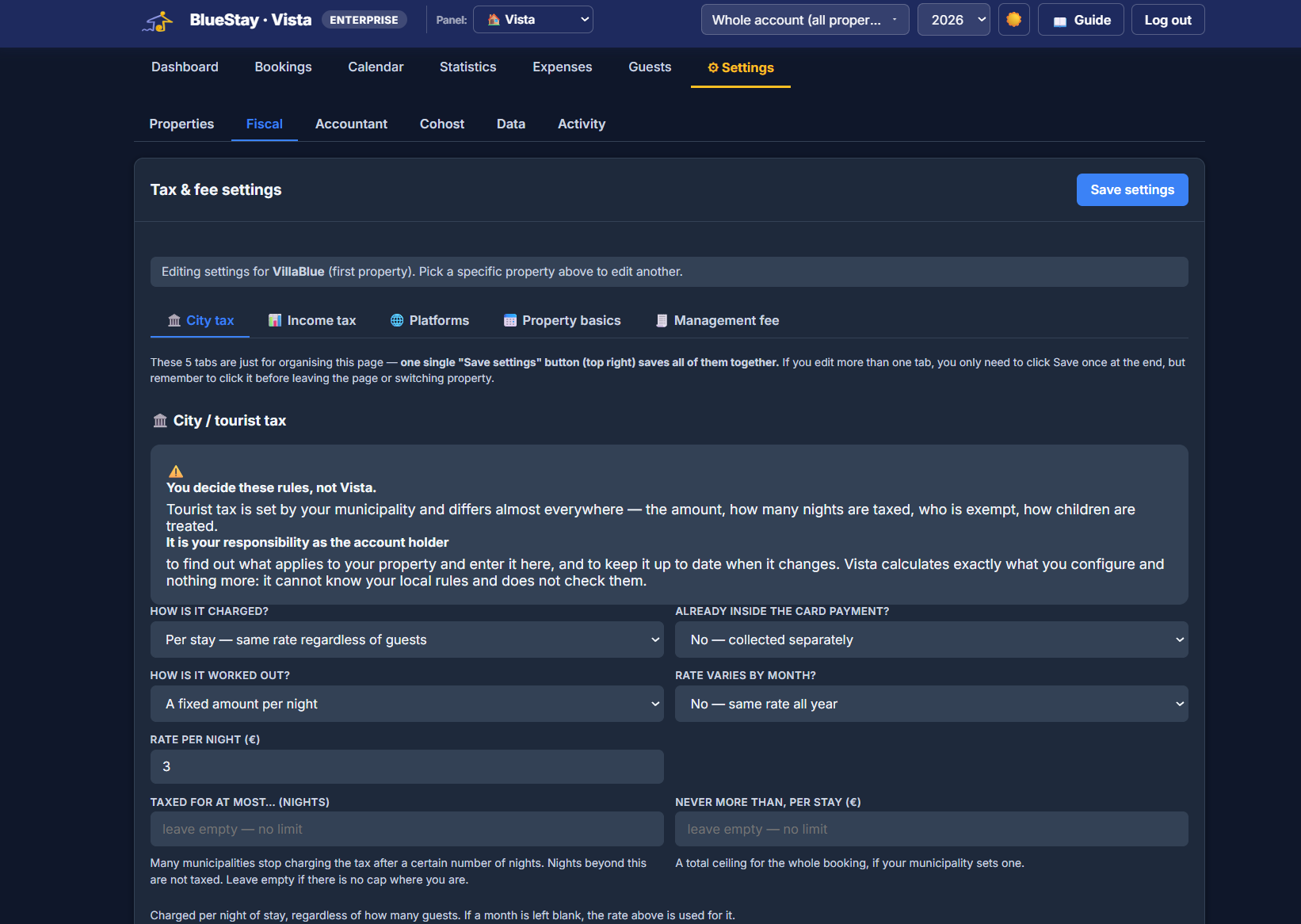
Tourist tax changes from one municipality to the next: charged per stay or per guest, a fixed amount or a percentage, capped after a few nights, with children paying less or nothing at all. Vista lets you configure exactly what applies to you — and then works it out on every booking, automatically.
Worth being clear about: Vista never decides a rate for you. You set the rules that apply to your property, and Vista applies them exactly — it can’t know your local regulations and doesn’t pretend to.
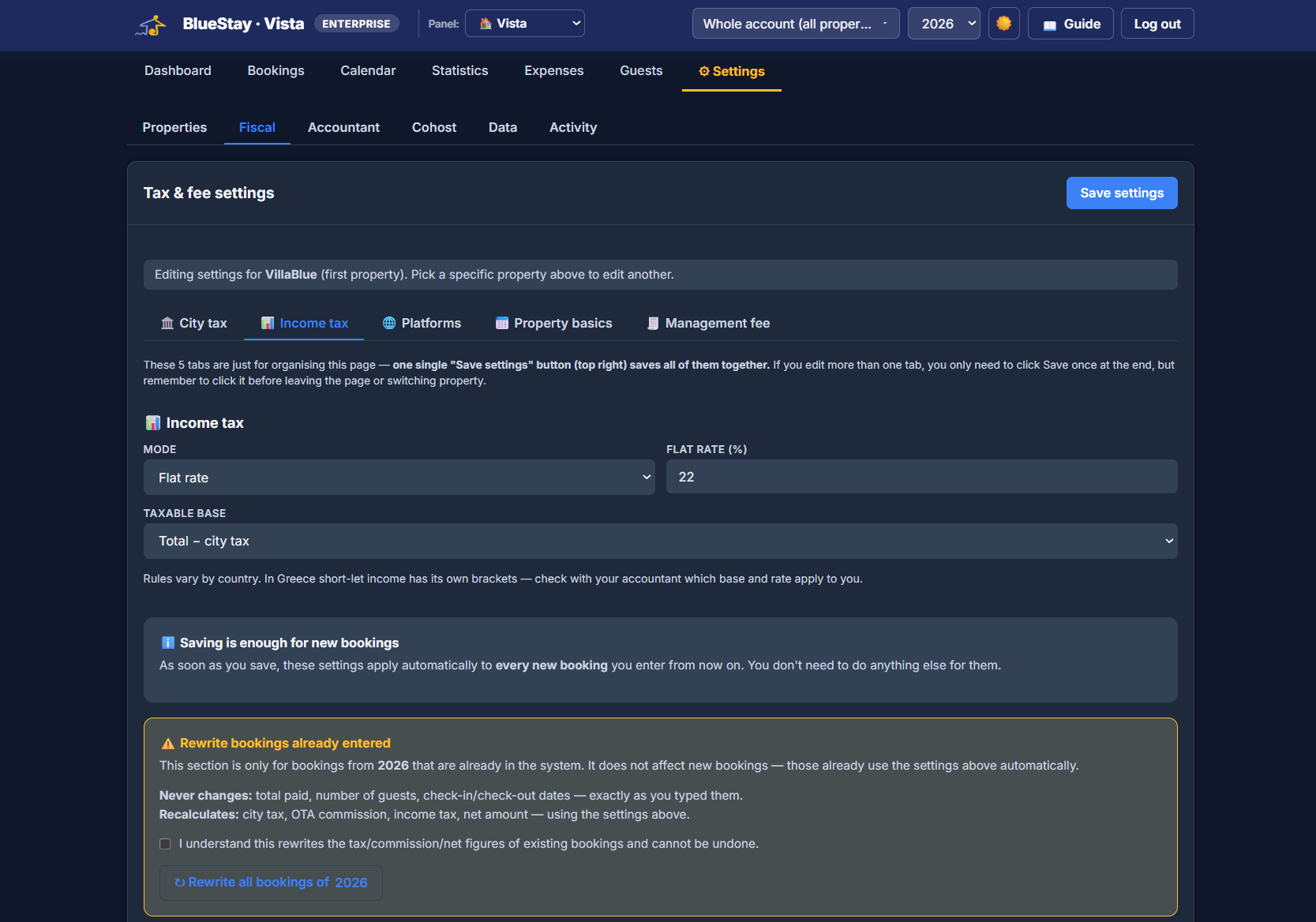
Set a flat rate or progressive brackets, choose what the tax applies to — the full amount, or net of city tax and channel commission — and Vista calculates it on every new booking from then on. Changed your mind, or your accountant did? Recalculate a whole year in one click.
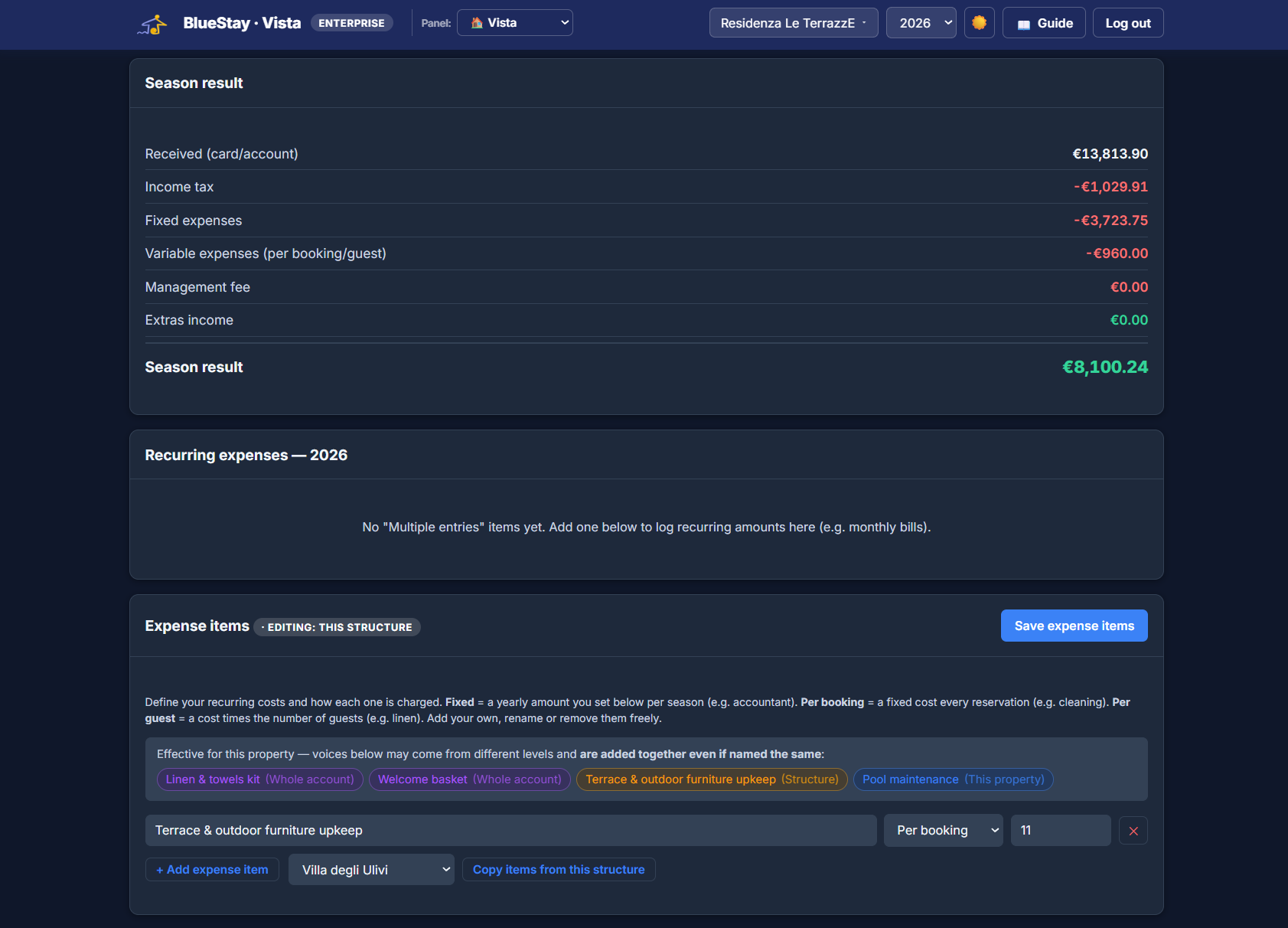
Some costs belong to one property, some to a whole structure, some to your entire account — and retyping the same accountant’s fee onto twelve properties is how numbers go wrong. Set each cost once, at the level it belongs to, and Vista adds up what actually applies to each property.
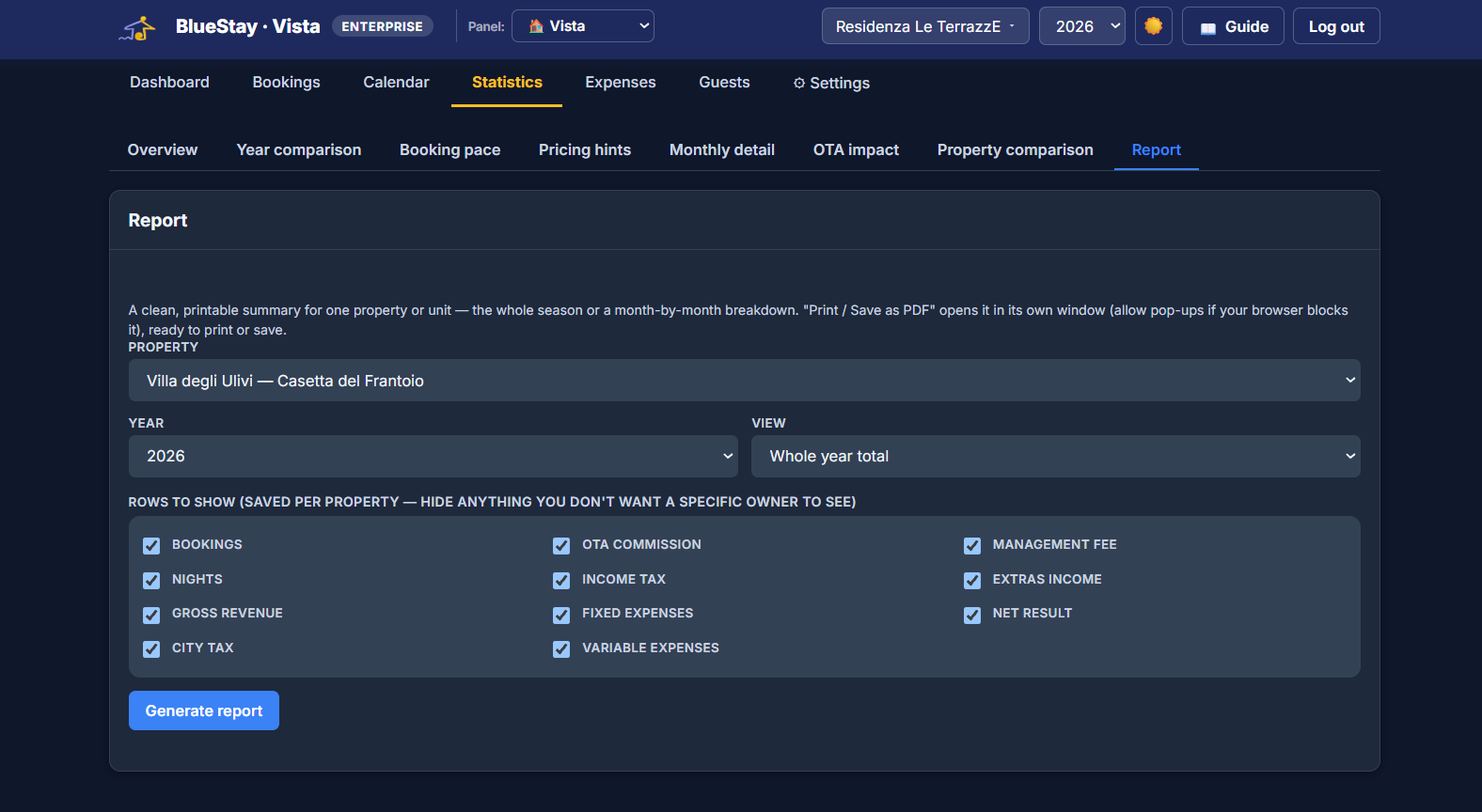
A clean, printable summary for one property — the whole season or month by month. Choose which rows appear, and the choice is saved per property: an owner who shouldn’t see your management fee simply never sees that line. Print it, or save it as a PDF.
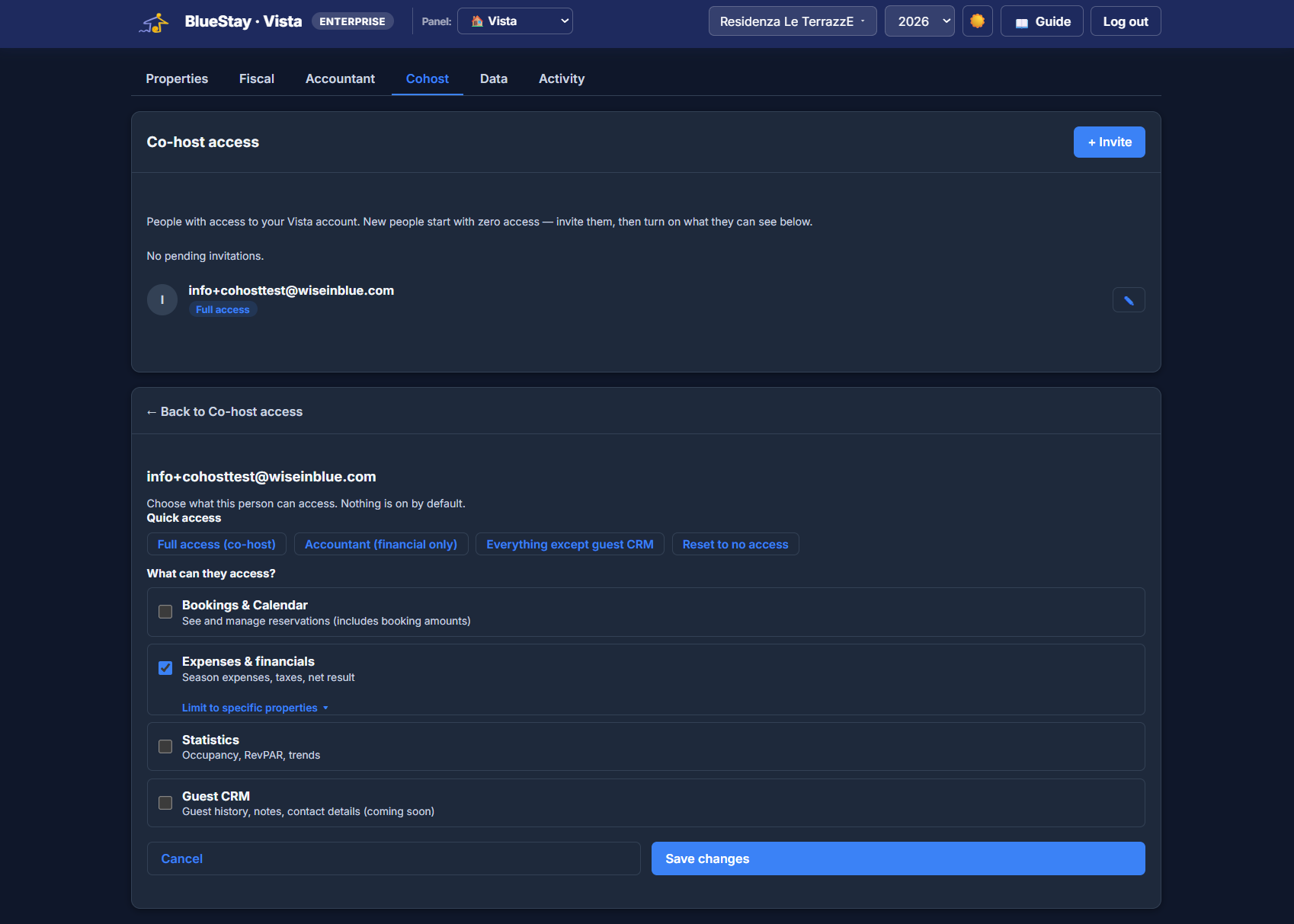
Invite a co-host, a cleaner, an accountant or a business partner — everyone starts with no access at all, and you switch on only what they need. Bookings but not financials; the numbers for two properties but not the rest; everything except your guest list.
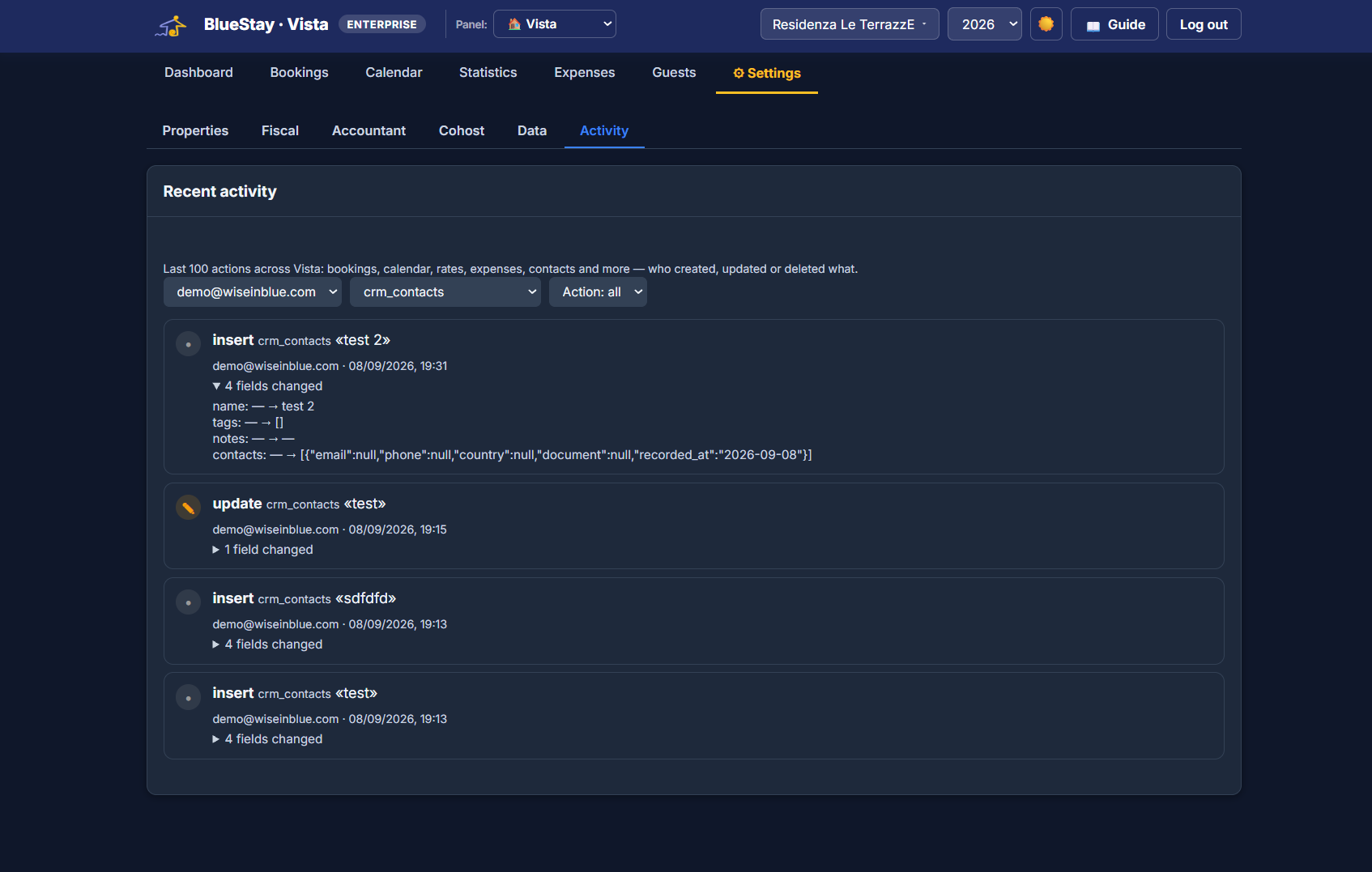
When several people work on the same account, “who changed this price?” stops being a rhetorical question. Vista keeps the last 100 actions — bookings, rates, expenses, contacts — with who did what, when, and which fields changed from what to what.
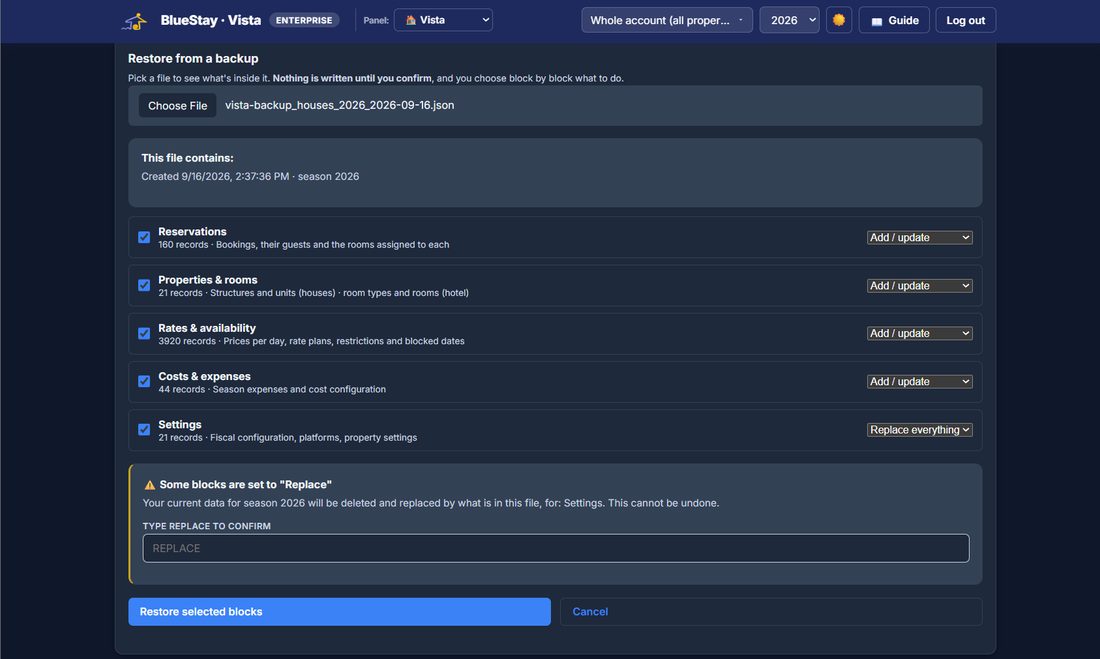
Exporting is the easy half. The hard half is putting it back — and Vista does that too, in eight blocks you choose from: reservations, properties, rates, costs, housekeeping, email templates, settings, saved searches. Pick a file and it tells you what is inside, record by record, before anything is written.
And a copy you never have to remember: an encrypted backup of the whole account is taken every night and kept off-site. Nobody has to tick a box on a Friday evening.
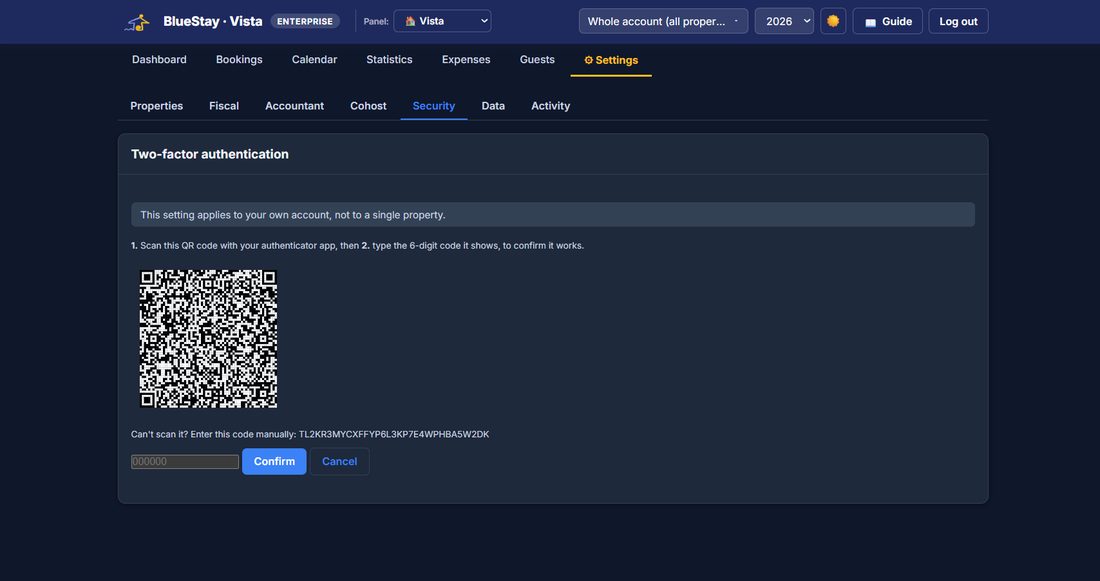
Turn on a second step at sign-in from your own settings, with an authenticator app. It comes with recovery codes, so losing a phone never means losing the account — and it stays optional, because a one-person B&B locked out of its own bookings at 11pm is a worse problem than the one it solves.
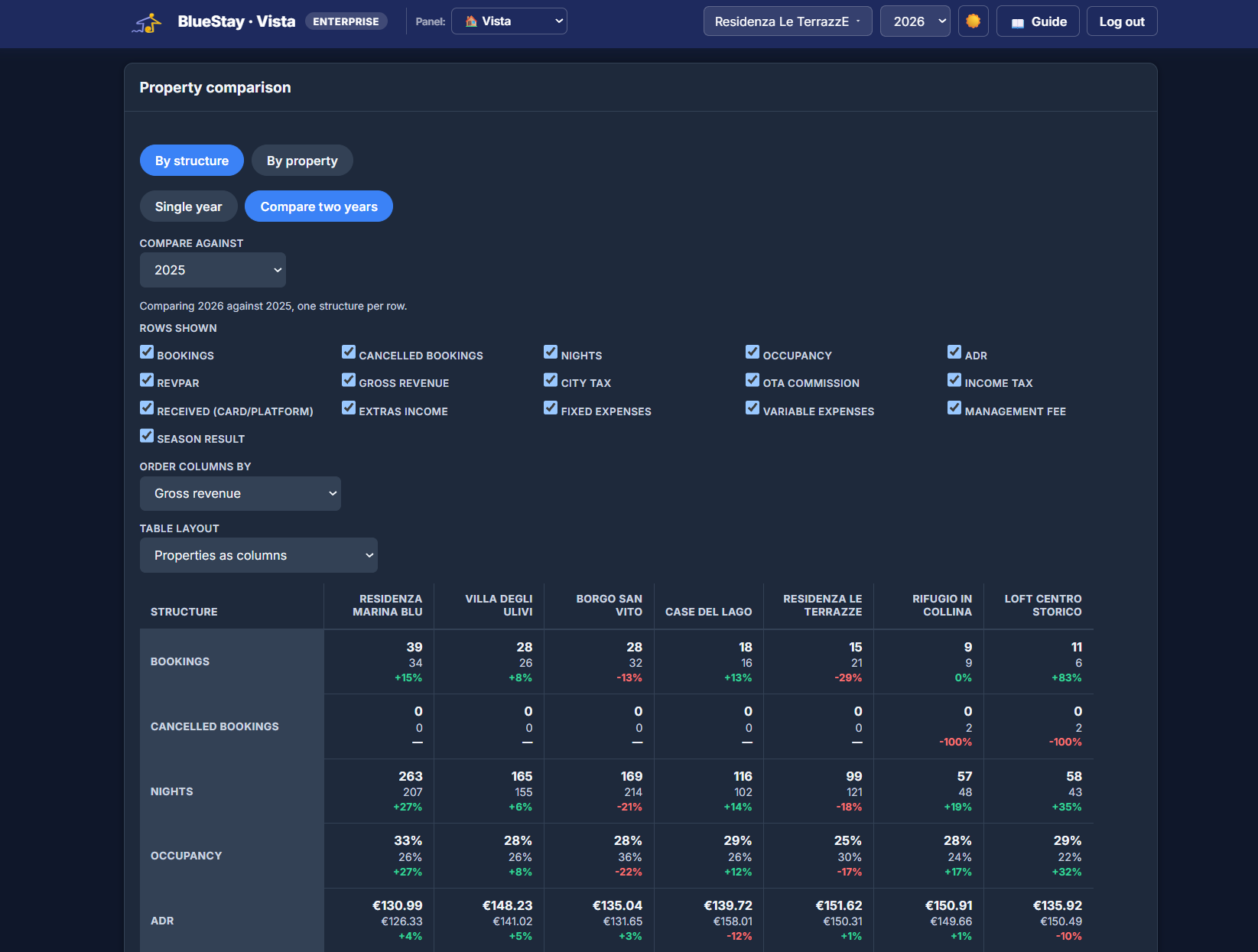
Compare every property or structure at a glance — up to 16 figures in one table, from bookings and RevPAR to fixed/variable expenses, plus a month-by-month trend chart so you can spot which properties are growing and which need attention.
No complex onboarding — connect your calendars and you're ready.
Create your structures and units — houses, apartments or rooms.
Connect Airbnb, Booking.com and any other channel via iCal.
Log expenses, read your statistics, know exactly where you stand.
One or two properties, and you want to finally know what you actually earn.
A growing portfolio across multiple structures, all in one place.
Manage properties together, with each teammate seeing what they need.
Read-only access to exactly the financial data you need, nothing else.
Monthly (cancel anytime) or yearly (2 months free). Same plan across Vista and the rest of BlueStay.
No. Get in touch and we'll set up your account — no card required to get started.
Yes, from a spreadsheet or CSV export, and going forward via iCal sync with your OTAs.
No. Vista reads your bookings via iCal to give you one clear overview — it doesn't push prices or availability back to your OTAs.
Most owners are up and running the same day: add your properties, connect your calendars, and you're ready.
Yes, and it is the point. Your accountant gets a dedicated read-only login showing the financial columns you choose — guest emails, phone numbers and notes are never among them. Co-hosts work the same way: nothing is on by default, and you can limit anyone to specific properties.
Get in touch. If you sit between two plans — eight properties, or twelve — or above 20, we will set a price for the number you actually manage rather than pushing you up a tier you do not need.
Always. Custom CSV export for any property and date range, a monthly export emailed to you automatically on Enterprise, and a full backup export of everything. Your data is yours, and leaving is never held hostage.
EUR 14 per month for one property, EUR 34 for up to 5, EUR 69 for up to 20. No setup fees and you can cancel anytime.
Yes. Most owners start with one property. Vista is built to be useful from the first booking, not only once you have a portfolio.
Yes, and that is the main reason owners use it. Vista separates the platform commission, the cleaning, the taxes and the other costs, so the figure you see is what stays with you.
Your data is stored on servers in the European Union, with an encrypted backup taken every day. We can sign a data processing agreement if you need one for your own compliance.
Yes, and it is a fair part of what we do. If one of these is close but not quite what your work needs, we can shape it around you — a field you actually use, a step your day really has — or build something that does not exist yet. Write to us and say what is missing; if we think you are better off with something that already exists, we will tell you that too, even though it means not selling you anything.
Yes. The tools themselves are in English today, which is the working language of most of our customers, and the translations are built into the software rather than bolted on. If you need your guests or your team to read it in another language, tell us which one and we will do it for you.
Tell us about your properties and we'll set up Vista for you right away — no credit card, no commitment.
Get started free